
Key Opera
The Sound of Satisfaction
Bring the feel of a mechanical keyboard to any Mac. Satisfying clicks and clacks on every keystroke, without the bulk.
You love the feel of a mechanical keyboard but not every space calls for one. Open offices, late nights, shared desks. KeyOpera brings those satisfying sounds to any keyboard, at whatever volume works.
Why Key Opera?
The things that actually matter.
Zero Latency
Every keystroke responds the instant you press it. Built on Core Audio for sub-millisecond playback. No lag, no drift, just the sound exactly when you expect it.
One-Click Toggle
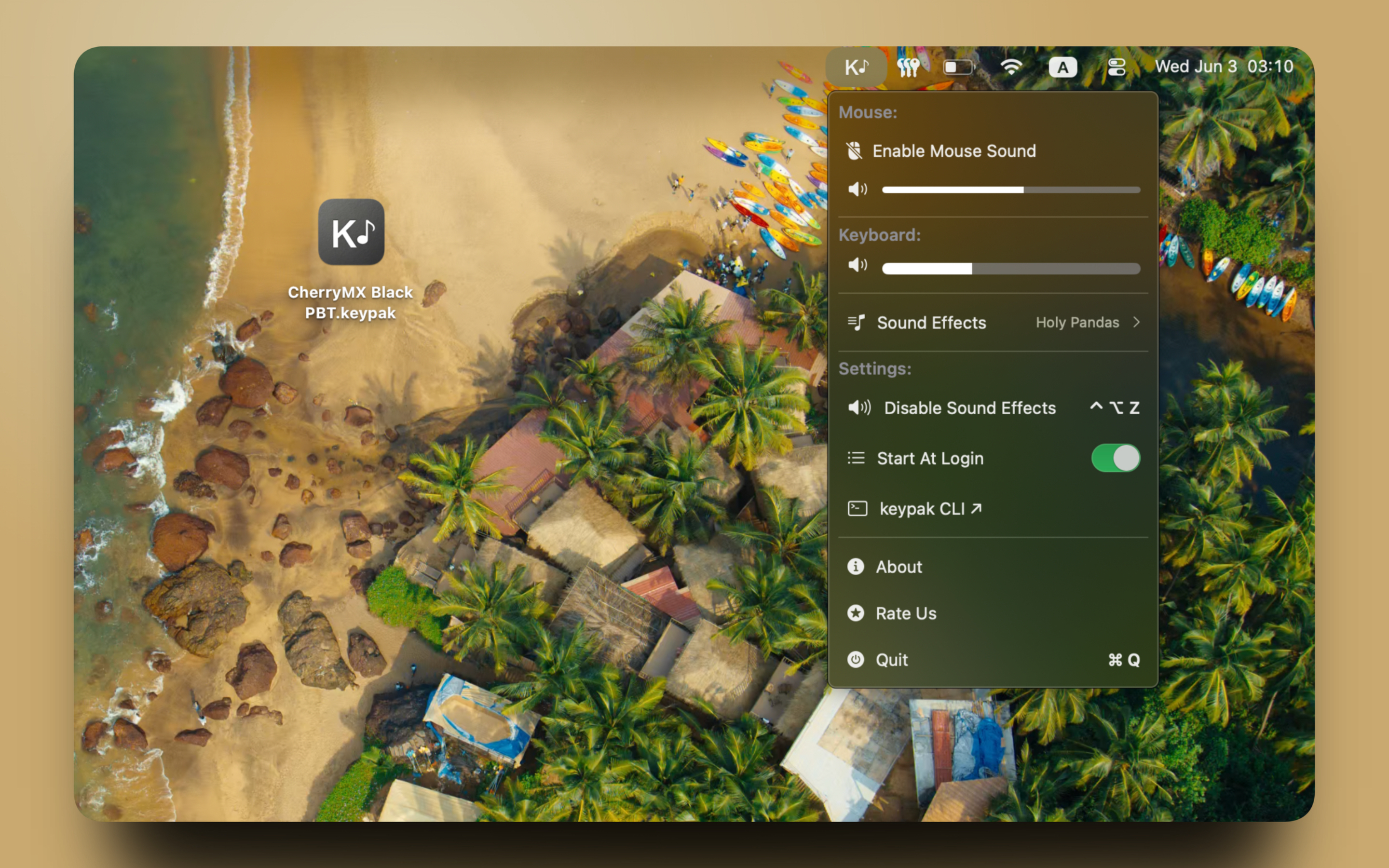
Sits quietly in your menubar. One click to enable sounds, one click to silence them. No preferences window, no digging through Settings.
Real Mechanical Sounds
Sampled from actual mechanical switches. Tactile bumps, satisfying clacks, that crisp click you know. It sounds like the keyboard you wish you had.
Custom Sound Packs
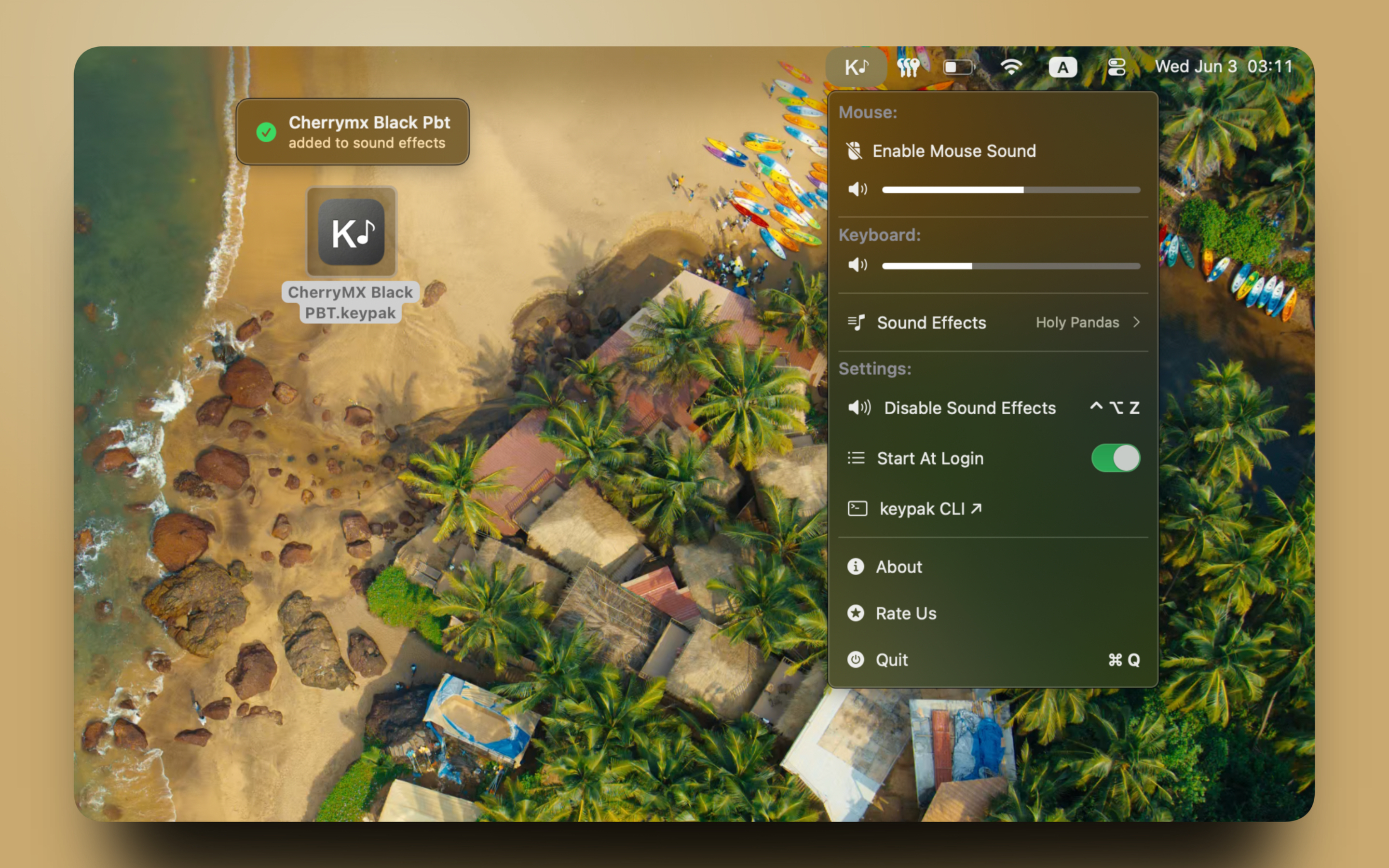
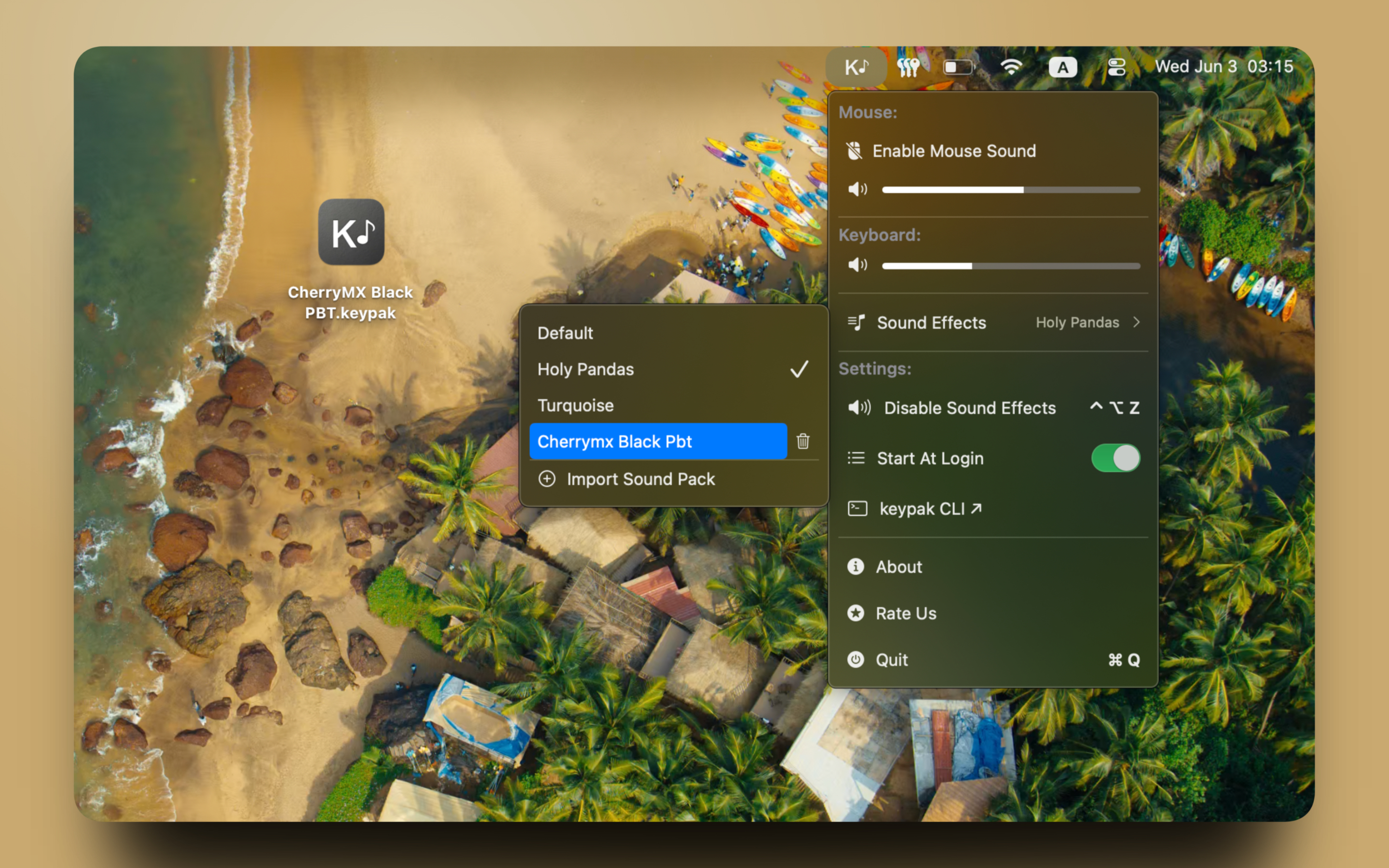
Import any .keypak sound pack from the Sound Effects panel or just double-click a file in Finder. Delete packs you no longer need right from the menu.
keypak CLI
Power users can switch effects, adjust volume, and manage packs from the terminal. Install with Homebrew and script KeyOpera into any workflow.
Sound Packs
Download and double-click to install. More packs coming soon.
CherryMX Black PBT
Smooth linear switches paired with PBT keycaps. Firm bottom-out, deep resonance — the sound of serious typing.
↓ Download .keypakCherryMX Black ABS
Cherry MX Black linears on ABS keycaps. Brighter and snappier than PBT — a classic clack with every keystroke.
↓ Download .keypakEG Oreo
Tactile Oreo switches with a round, satisfying bump. More feedback than linear, quieter than clicky.
↓ Download .keypakEG Crystal Purple
Light tactile switches with a crisp, airy sound. Crystal housing adds a distinct brightness to every key.
↓ Download .keypakMX Black
The original Cherry MX Black linear. Controlled, smooth, and heavy — exactly what it sounds like to mean business.
↓ Download .keypakSynthetic Pack
Procedurally designed key sounds — no real switches sampled. Clean, consistent, and a little different.
↓ Download .keypakkeypak CLI
Control KeyOpera from the terminal. Switch effects, adjust volume, mute, and install packs — scriptable and Homebrew-ready.
# install
brew tap birangdev/keypak
brew install keypak

# switch sound effect
keypak effect holyPandas

# adjust volume
keypak volume keyboard 0.8

# mute / unmute
keypak mute keyboard
keypak unmute keyboard