
Cursor Craft
Your Mac is beautiful. Your cursor should be too.
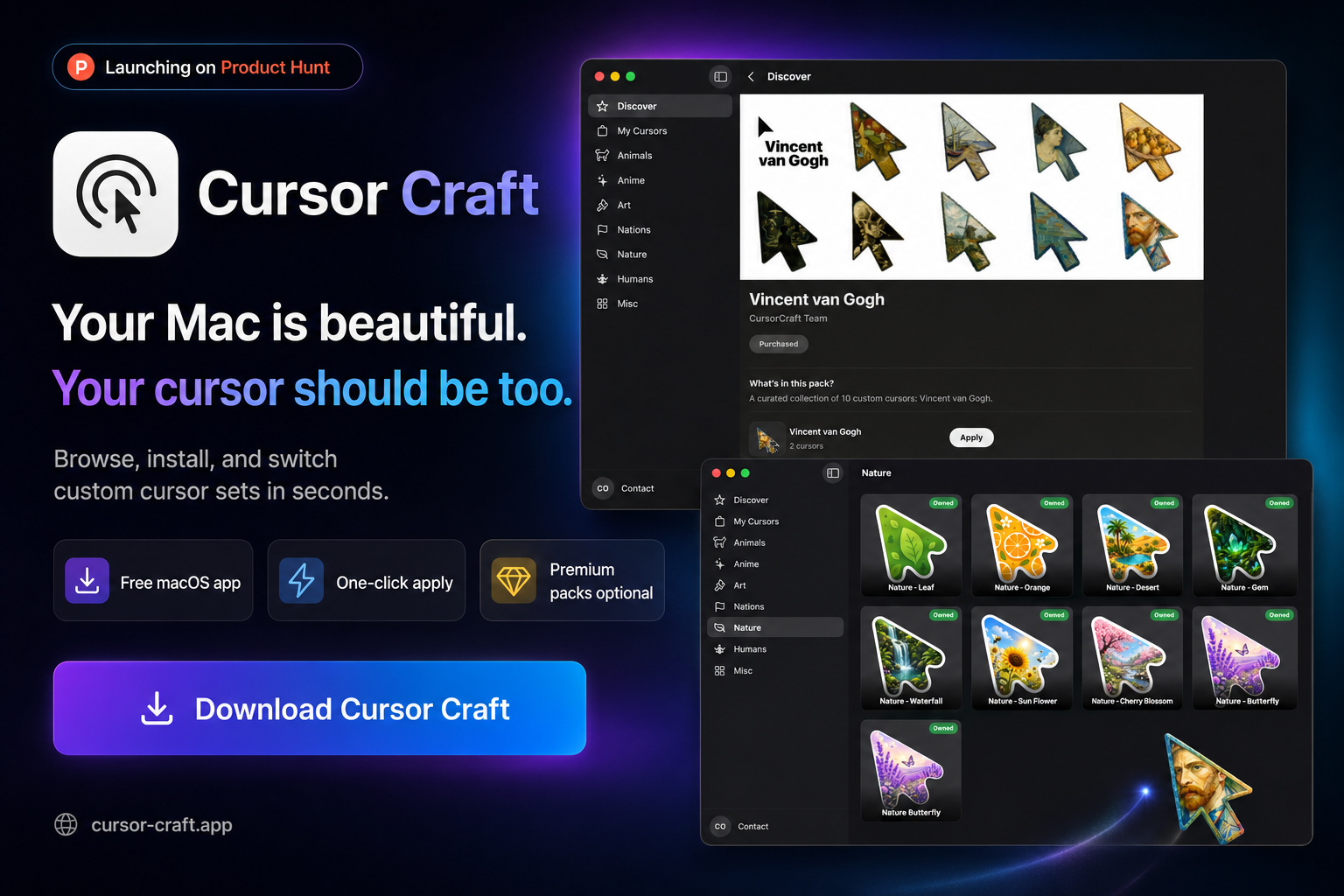
Browse, install, and switch custom cursor sets system-wide on your Mac. Minimal, nature, cats, anime, neon, and now dynamic and animated packs. Free to download, with premium packs as one-time purchases.
The default cursor has been the same for decades. You've customised your wallpaper, your icons, your fonts. But your cursor is still the same black arrow from 1984. Cursor Craft changes that. Pick a pack, apply it once, and it sticks through reboots, monitor changes, and user switches. Version 2 rebuilds the whole app around a faster, redesigned interface and a new rendering engine that brings cursors to life.
Why Cursor Craft?
The things that actually matter.
Redesigned in Version 2
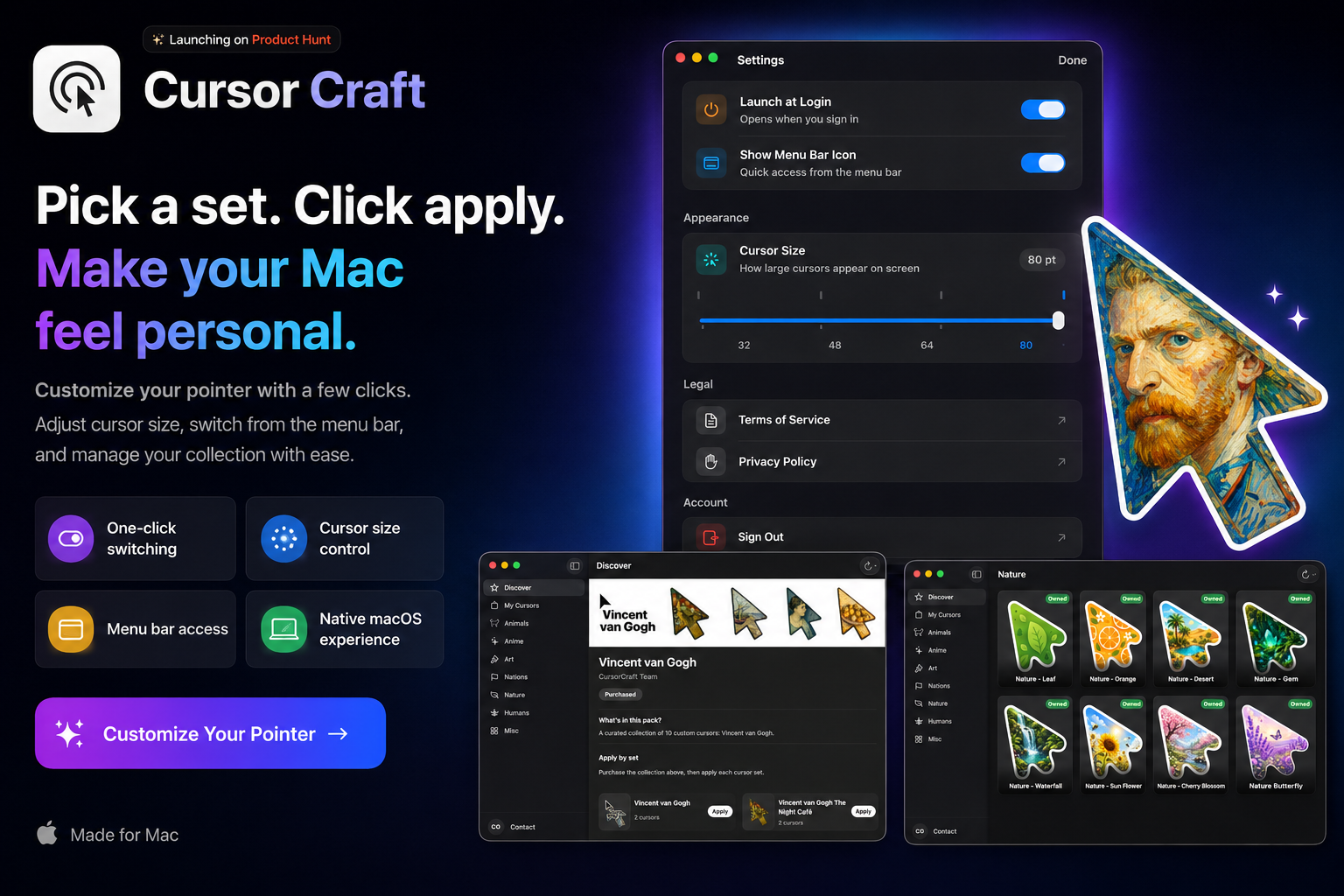
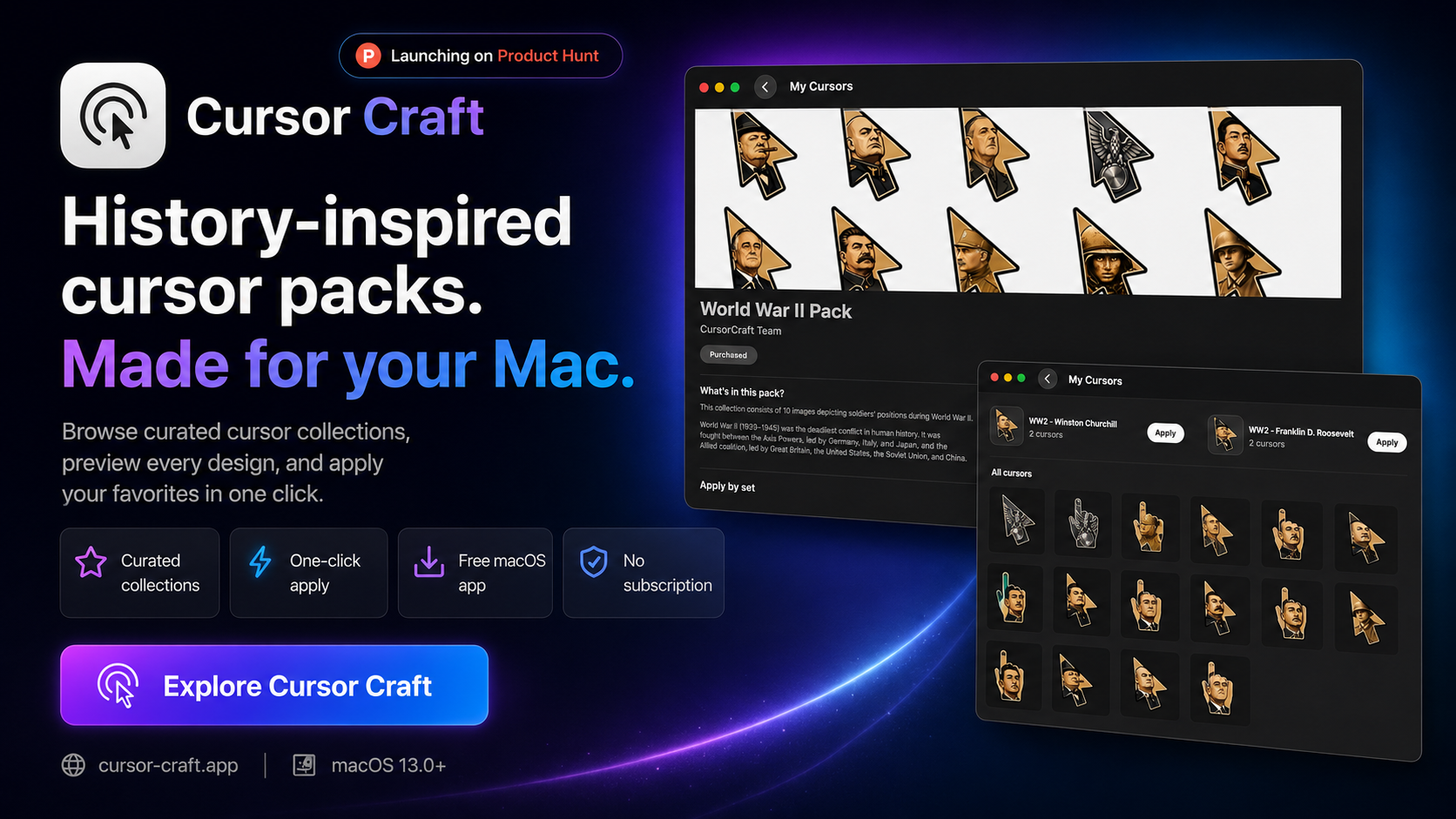
A ground-up rebuild with a new Home, Explore, and Library. Hand-picked packs and recent releases greet you on launch, filter by category and preview a cursor before applying it in Explore, and every pack you own stays together in your Library. Smoother scrolling and tab switching throughout.
Dynamic Packs
A new rendering engine lets your cursor show live, changing information. Apply a dynamic pack once and the pointer updates on its own — no swapping files day to day.
Animated Packs
Bring motion to your pointer. Animated packs replace the single static image with fluid movement, and more packs are on the way.
Works Offline
Lost your connection? Cursor Craft keeps your purchased packs and categories visible from cache, and shows a clear message with a refresh button instead of a blank screen.
Sticks Around
A lightweight helper keeps your cursor active after every reboot. Quit the app completely. Your custom cursor stays exactly where you left it.
One-Time Packs, Yours Forever
Buy a cursor pack once and it's yours. No subscription, no renewal. Sign back in on any Mac and your purchases are right there waiting.
Dozens of Styles
From minimal and clean to cats, anime, nature, and neon. There's a pack for every setup. Several collections are completely free to use.
Hotkey Toggle
Press ⌃⌥C from anywhere on your Mac to instantly toggle between your custom cursor and the system default. No windows to open, no menus to dig through.
Display Aware
Plug in a monitor, switch users, change your display setup. The helper detects every change and re-applies your cursors automatically.